Android
NISA MED for Android.
NISA MED V1.1 is available for Android. Early Access includes the current features at no cost, and you do not need a website account first.
Android may ask permission to install an app from your browser or file manager, and it may run a Play Protect scan before the install finishes.
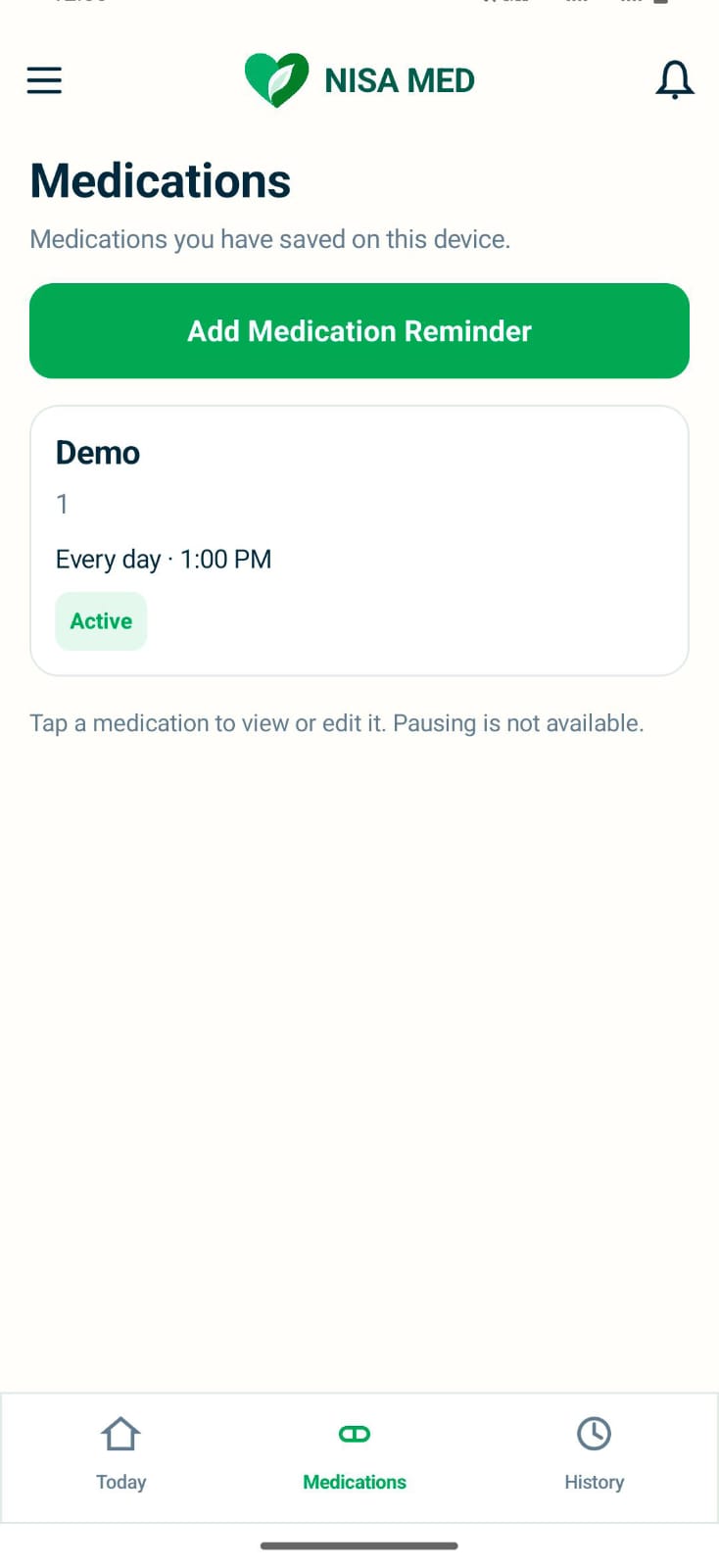
After you install
-
Sign up or log in in the app
The account is created in the Android app. Medication records stay on the device. This website does not ask you to sign up in order to download.
-
Use what Early Access includes
The current features are included at no cost. This page does not start a payment.
-
Allow reminders
Turn on notifications for NISA MED in Android so dose reminders can appear. The notification says “Time to take your medication” and “Tap to view your medication.”
-
Respond to the first dose
Use Taken, Snooze for 10 minutes, or Skip. History updates from that choice.
Reminders stay generic on the lock screen.
The notification says “Time to take your medication” and “Tap to view your medication.” It does not include the medication name, the dosage, or a family member’s name. If you need help after installing, visit Support.